When you add a new capital deployment in Policy Stack, Step 4 — Funding captures where the capital came from. You can record one source, several sources combined, or skip the step entirely if there is nothing to log right now.
Where This Lives
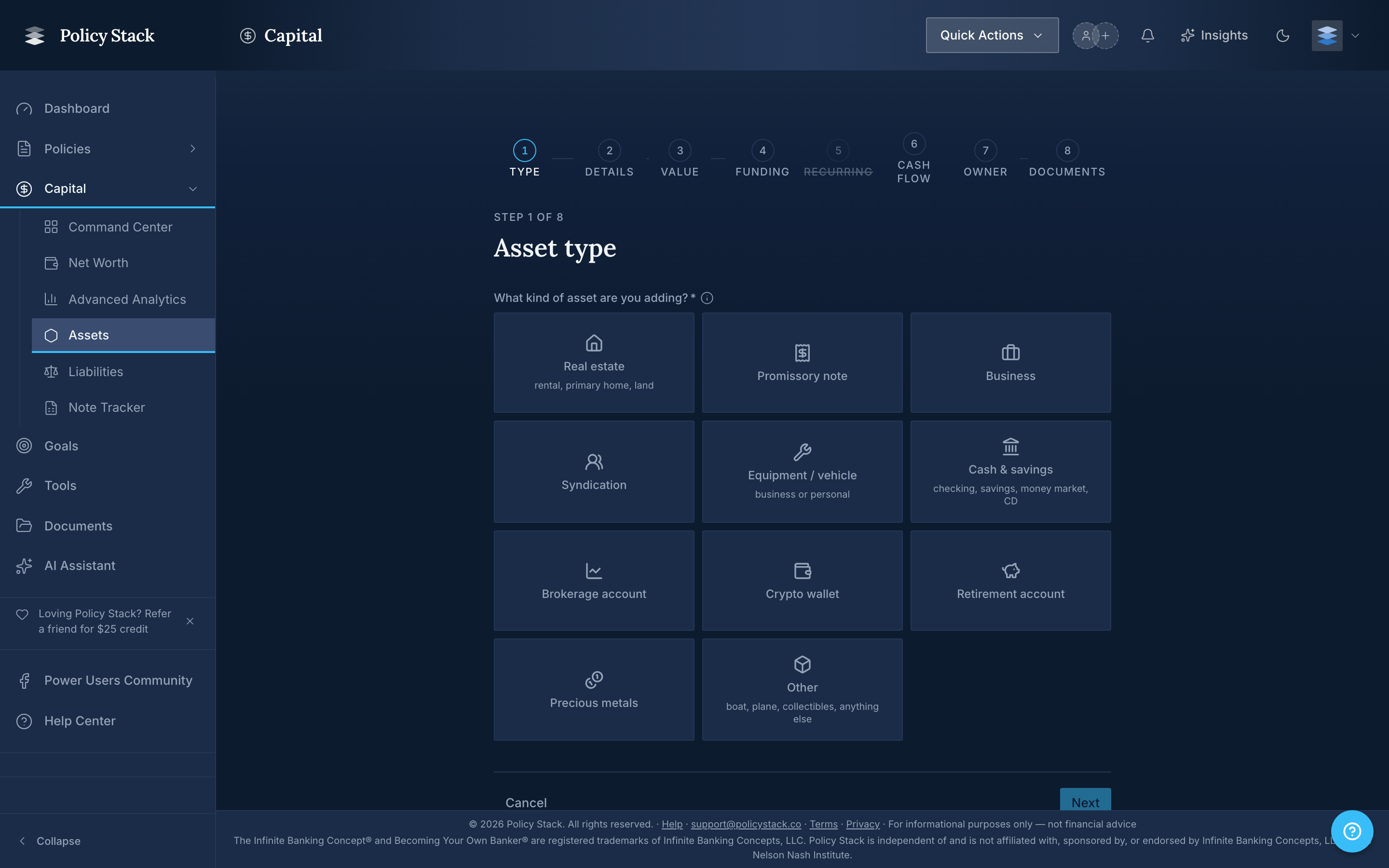
The funding step is the fourth screen of the Add Asset wizard, accessed from Capital → Assets → Add asset. The progress pill at the top shows your place: Type · Details · Value · Funding · Recurring · Cash flow · Owner · Documents. The header reads Initial contribution — How was this asset funded? You can skip if there are no contributions to log.
The Four Source Types
Policy Stack records four kinds of contributions:
- Policy loan (active) — capital from a loan that exists today against one of your tracked policies. Picking this option asks you to choose which loan from a dropdown that lists the original amount and the amount still attributable to new contributions.
- Historical policy loan (no longer active) — capital from a policy loan that was repaid or otherwise closed before the asset was added to Policy Stack. Used to keep the historical record honest without re-creating loans that no longer exist.
- Cash from outside your banking system — capital that did not come through a policy loan. Savings, a bonus, sale proceeds from outside the system, and so on.
- Proceeds from another asset — capital recycled from a previous deployment exit. The picker for the source asset ships in a later release; selecting this option today shows Pick a source asset (coming soon).