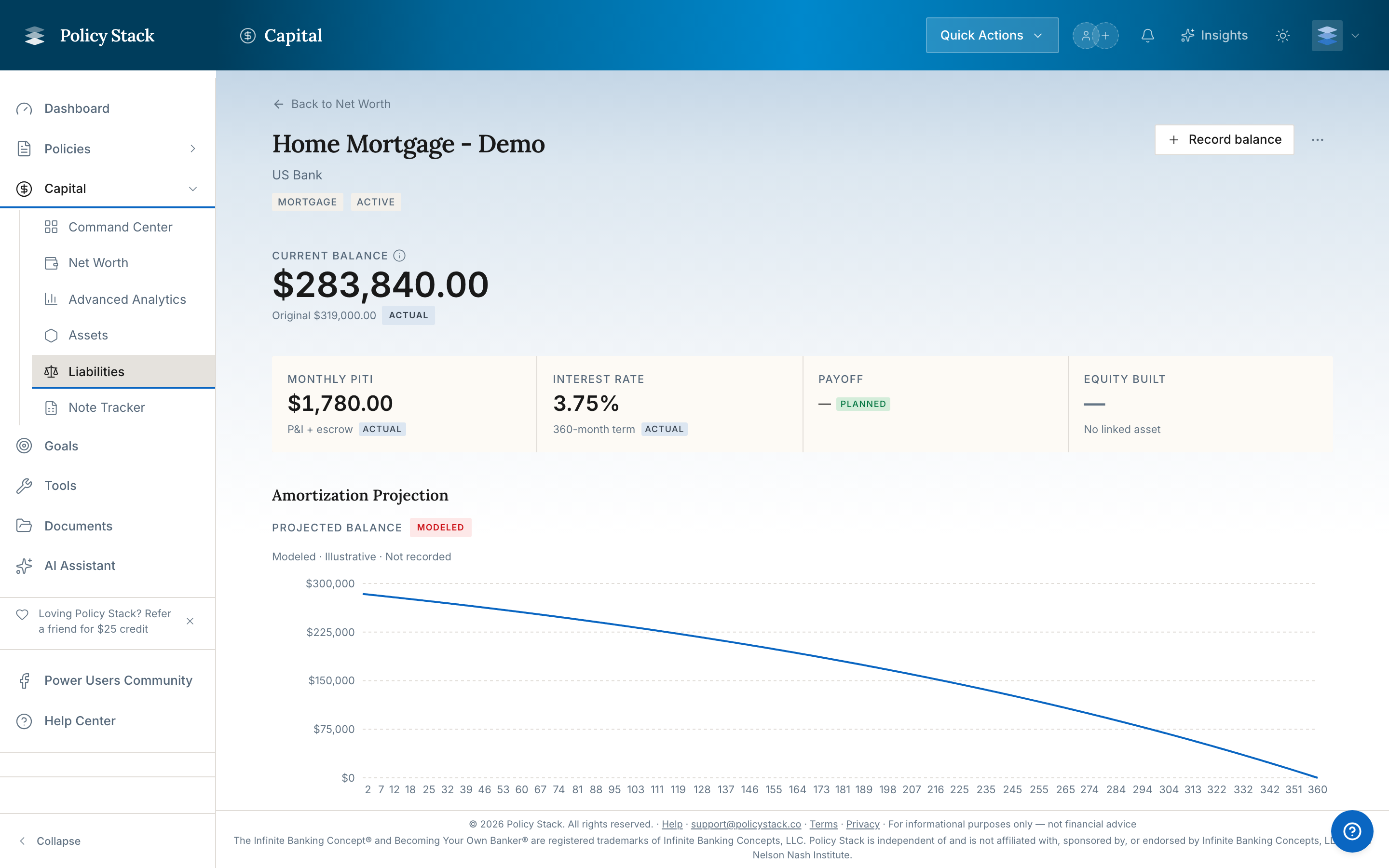
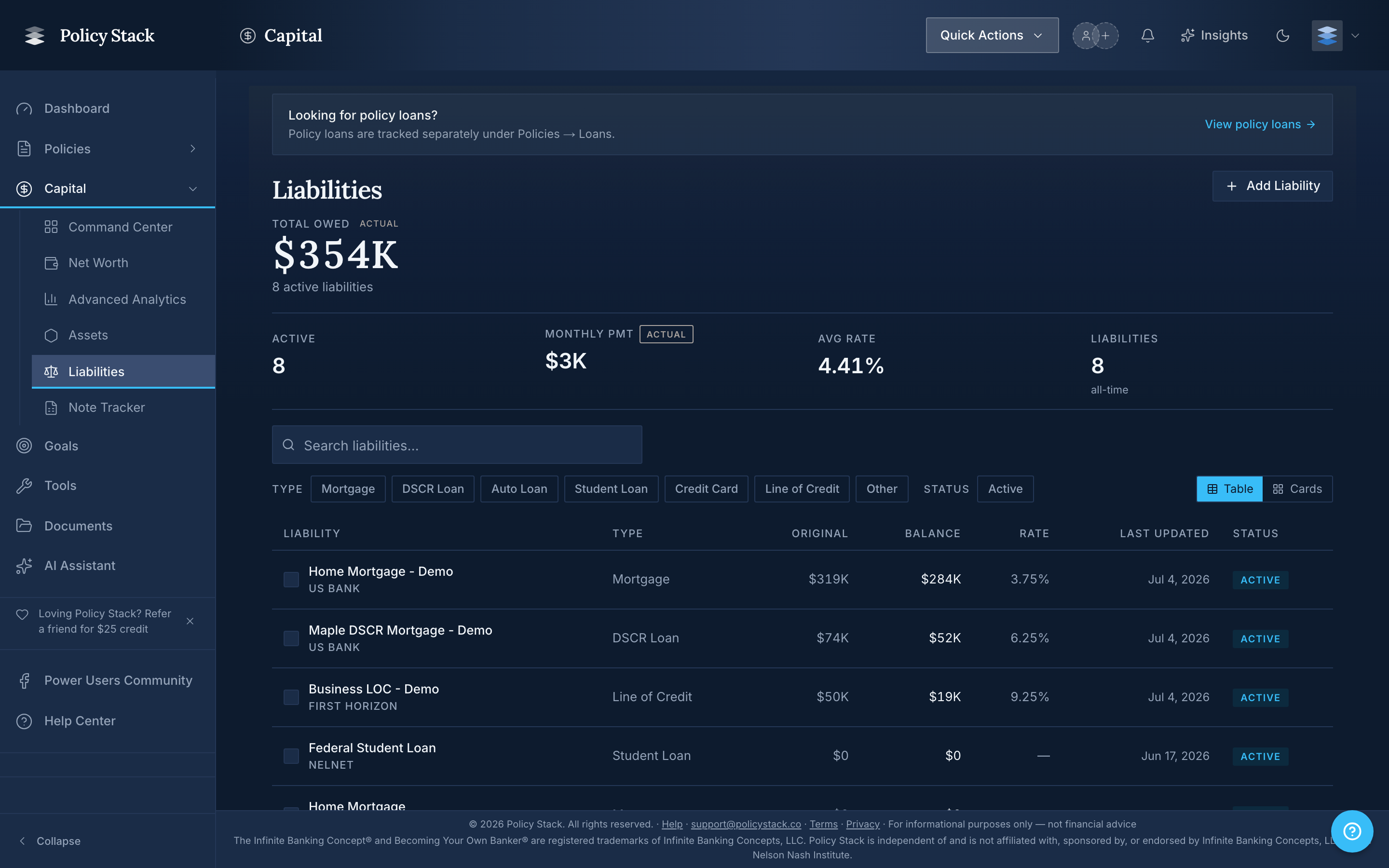
The Liabilities page records what you owe, mirroring the Assets page so your full capital picture lives in one place. It tracks installment loans (mortgages, auto, student, personal), revolving credit (HELOCs, credit cards, lines of credit), and tax balances owed to federal, state, or local authorities.
What Policy Stack Records
For each liability, Policy Stack tracks the name, type, current balance, interest rate, and status. Balances are stored as point-in-time records — every time you update a balance, Policy Stack keeps the prior value, so you can see how the balance has moved over time (the same way policy snapshots work).
Adding a Liability
From Capital → Liabilities, click Add liability to open a five-step wizard:
- Basics — the type, name, lender, and ownership. For a HELOC, you also choose the lien position.
- Balances & terms — only the current balance is required. Revolving credit also has fields for the credit limit and the draw-period end.
- Payments & escrow — the monthly payment and term, plus escrow for mortgages, DSCR, hard money, private money, HELOC, and commercial loans. A Modeled payoff date appears once the inputs it needs are complete.
- Link & notes — a linked asset (so a mortgage attaches to the property it financed) and notes. Linking is optional, except that a first-lien HELOC must link to a real-estate asset.
- Documents & confirm — optional documents, then a review before you save.