Home brings your recorded policy position, charts, upcoming confirmations, recent activity, and progress into one view. It reads records saved elsewhere in Policy Stack. It does not move money or change carrier settings.
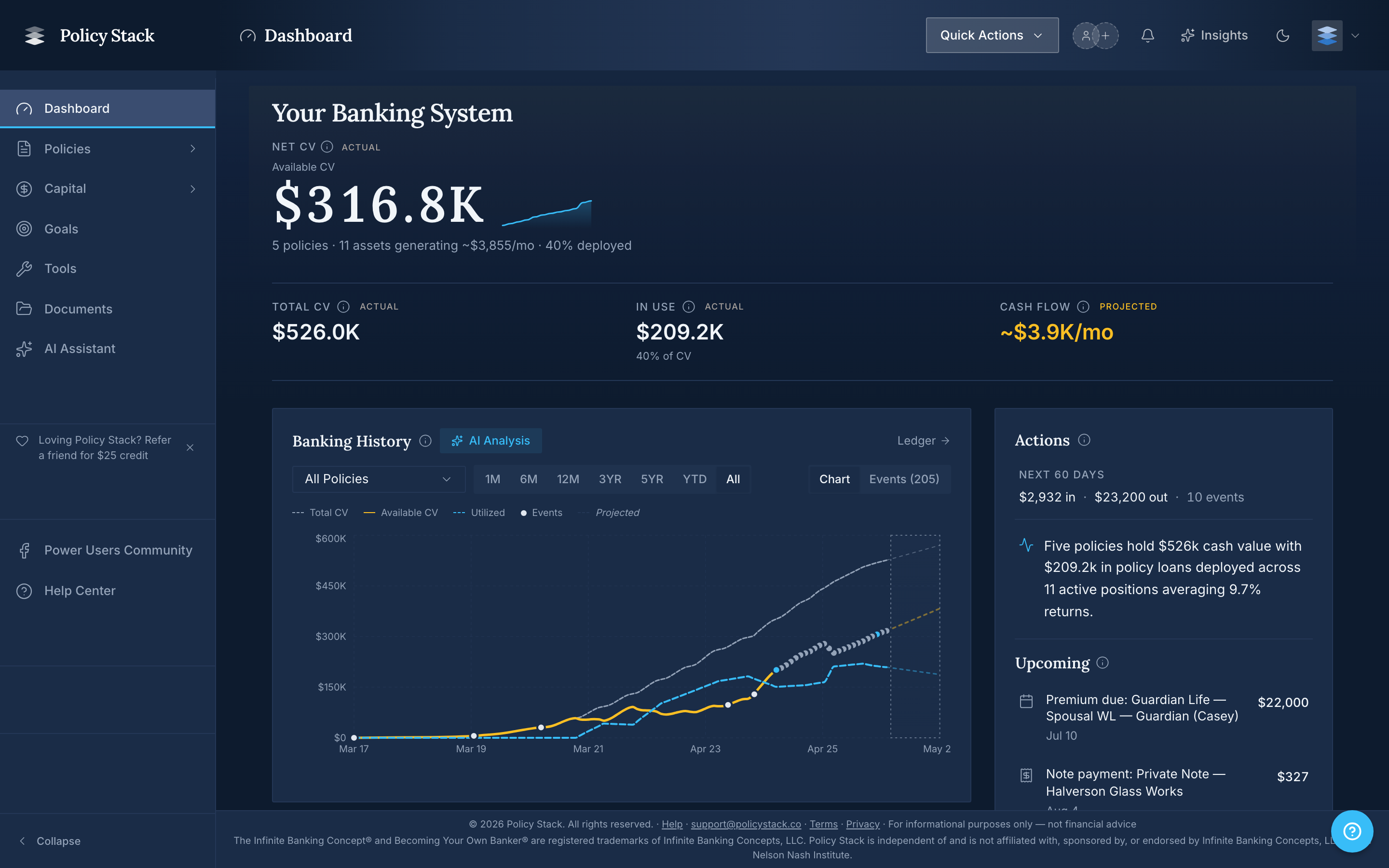
Greeting and Progress
The greeting row has a Weekly report button and a progress chip. The chip shows your recording streak, level, and XP. Open it to see level progress, your longest streak, and eligible recordkeeping badges. Policy-recording and recording-streak badges can appear on Home; financial actions, borrowing, and income or net-worth thresholds do not earn Home badges. Editing or deleting a source record can change the related XP, level, streak, or badge.
The Weekly report button opens the latest report. New appears when its week differs from the last report week opened in this browser. Opening the report clears New for that week in this browser.
Snapshot Cards
Home shows three recorded-data cards:
- Net Cash Value — the latest Total Cash Value less the latest recorded policy-loan balance.
- Death Benefit — recorded permanent and term coverage.
- Premiums Paid · 12 mo — recorded Base Premium and PUA payments during the trailing 12 calendar months.
Select a card to open its chart, choose 6 months, 12 months, 3 years, 5 years, or All, and view a lower breakdown. Net Cash Value groups policies by linked insured person; unlinked policies remain separate. Death Benefit groups coverage by insured person, also keeping unlinked policies separate. Premiums Paid retains its per-policy breakdown. The charts stack at narrow screen widths. The Premiums Paid chart stacks Base Premium and PUA payments by month and shows their running total. In the Death Benefit breakdown, coverage above a policy's base can include dividend additions, so it is not necessarily all PUA coverage. Guaranteed and PUA composition appears only when those components were reported in saved snapshots; missing values stay unavailable rather than being treated as zero.