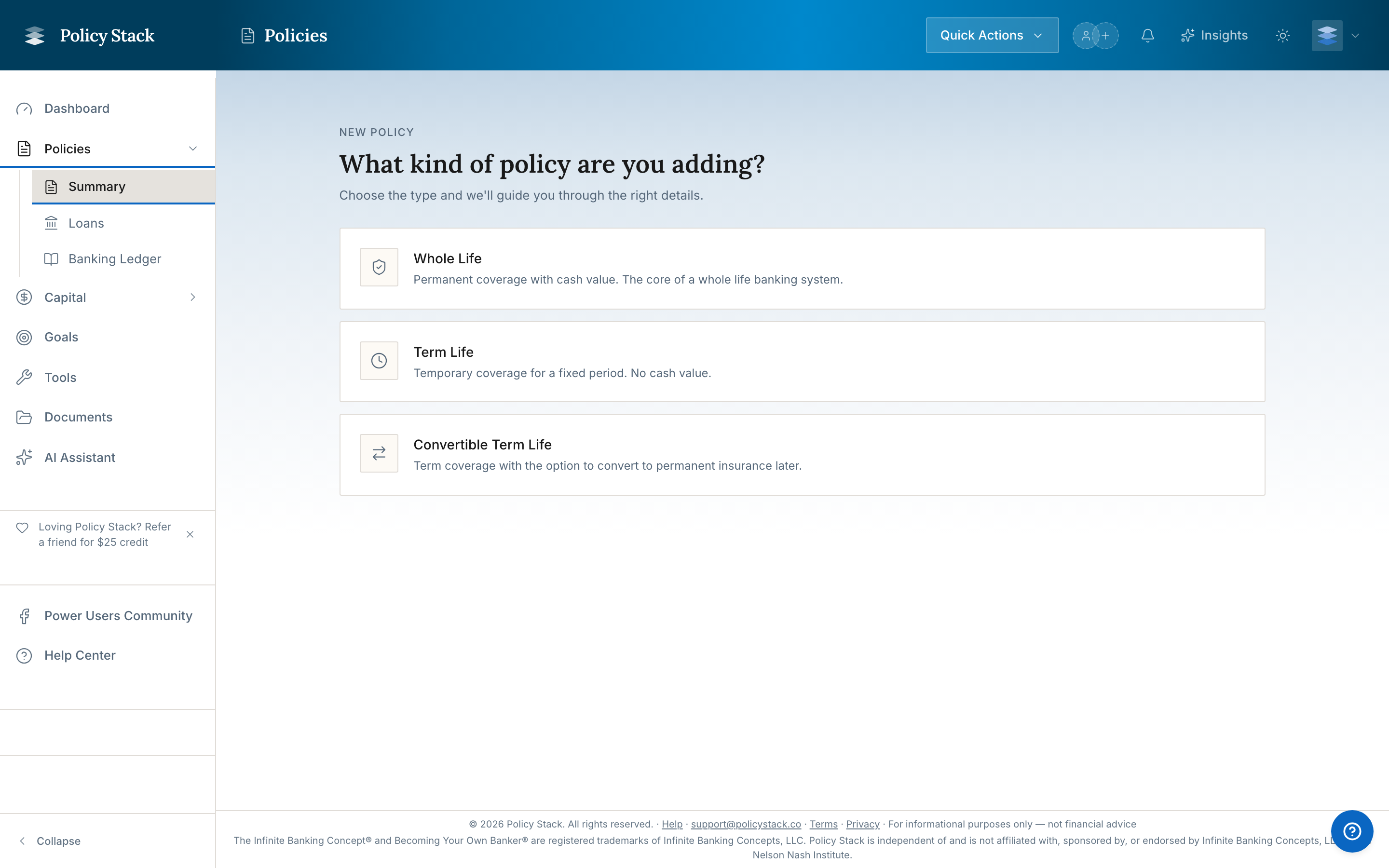
This guide walks you through your first session with Policy Stack. By the end, you will have your first policy snapshot recorded and a working dashboard.
What You Will Need
Before you begin, gather the following:
- Your most recent annual statement from your carrier (PDF or paper)
- Your original policy contract (the spec pages show base premium, PUA rider, and term rider amounts — uploading the full contract works too)
- Approximate loan balances if you have any outstanding policy loans
Step-by-Step Walkthrough
The first session has one job: record your first policy snapshot. If your advisor already loaded your policy, that's the main step. If your household is empty, add the policy first.
- Sign up — use your email link or Google sign-in, then choose Policyholder (seated clients skip this choice)
- Answer three short screens — confirm your name, rank What matters most (or ), and read a three-card lesson (10 XP per card; you can skip it)