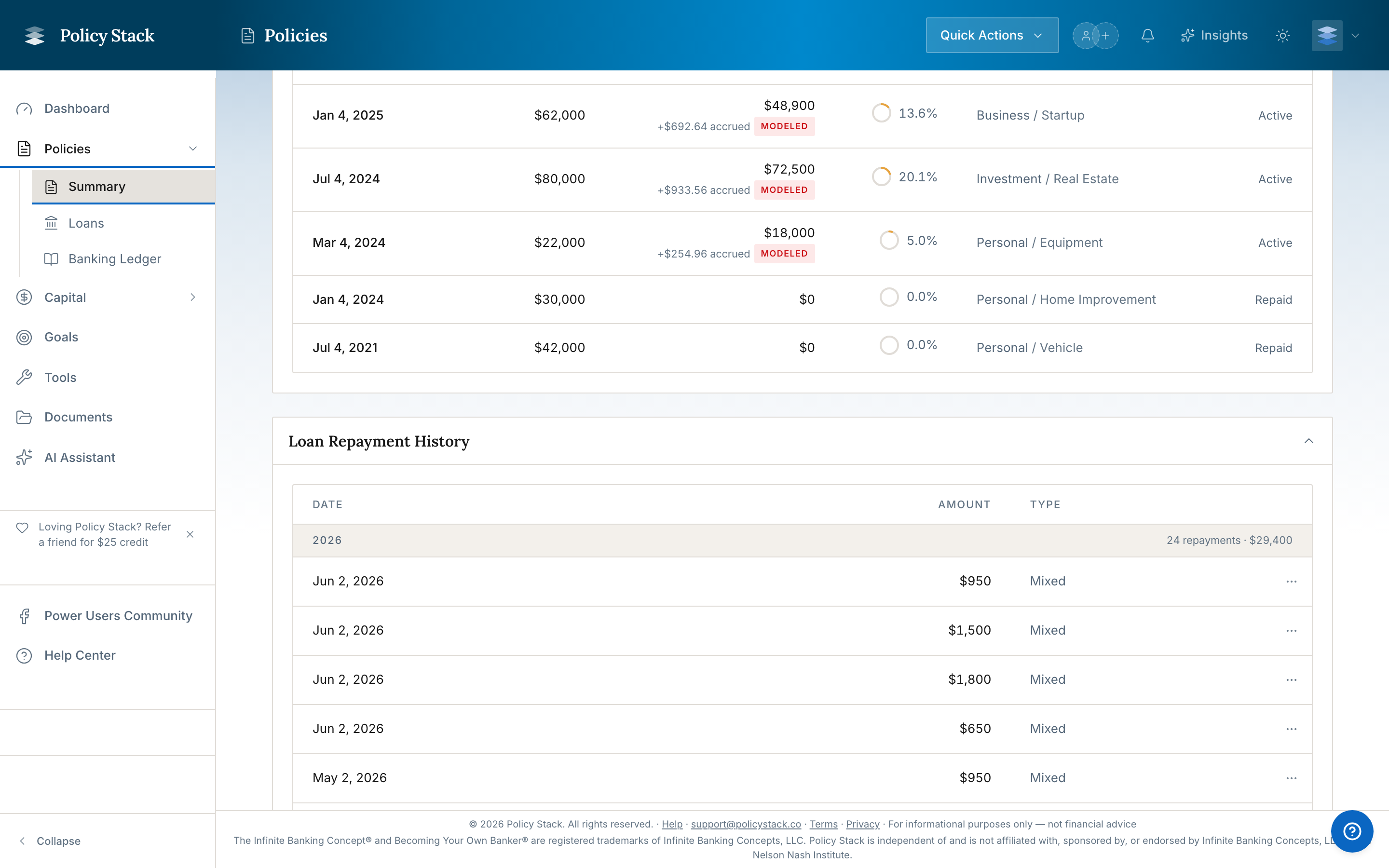
The Log repayment action — in the Quick Actions menu at the top of the screen, labelled Record in the updated navigation — records one repayment amount for the policy you select. It starts with the policy nickname, shows the policy-loan and active draw balances, and defaults to assigning principal to the specific draw you're paying. You can override that once with First in, first out (FIFO) or Equal reduction, or enter exact dollars by draw.
Where to Find It
The record-actions menu opens from the top of the screen — labelled Quick Actions in the current navigation and Record in the updated one — and is available from any loan-related page. Look for Log repayment.
When to Use the Policy-Level Dialog
Use this dialog when any of the following is true:
- You want to choose the policy first and review all active draws before logging the repayment
- You want First in, first out (FIFO) or Equal reduction applied across active draws
- You know the exact dollars to assign to one or more draws
- You want to use the exact amount saved by the Policy Loan Repayment Planner
When to Use the Per-Loan Dialog Instead
The per-loan Record repayment dialog remains available for maintaining an IBLOC/CVLOC from its detail page. Policy-loan repayments use the allocation-aware Log repayment flow.